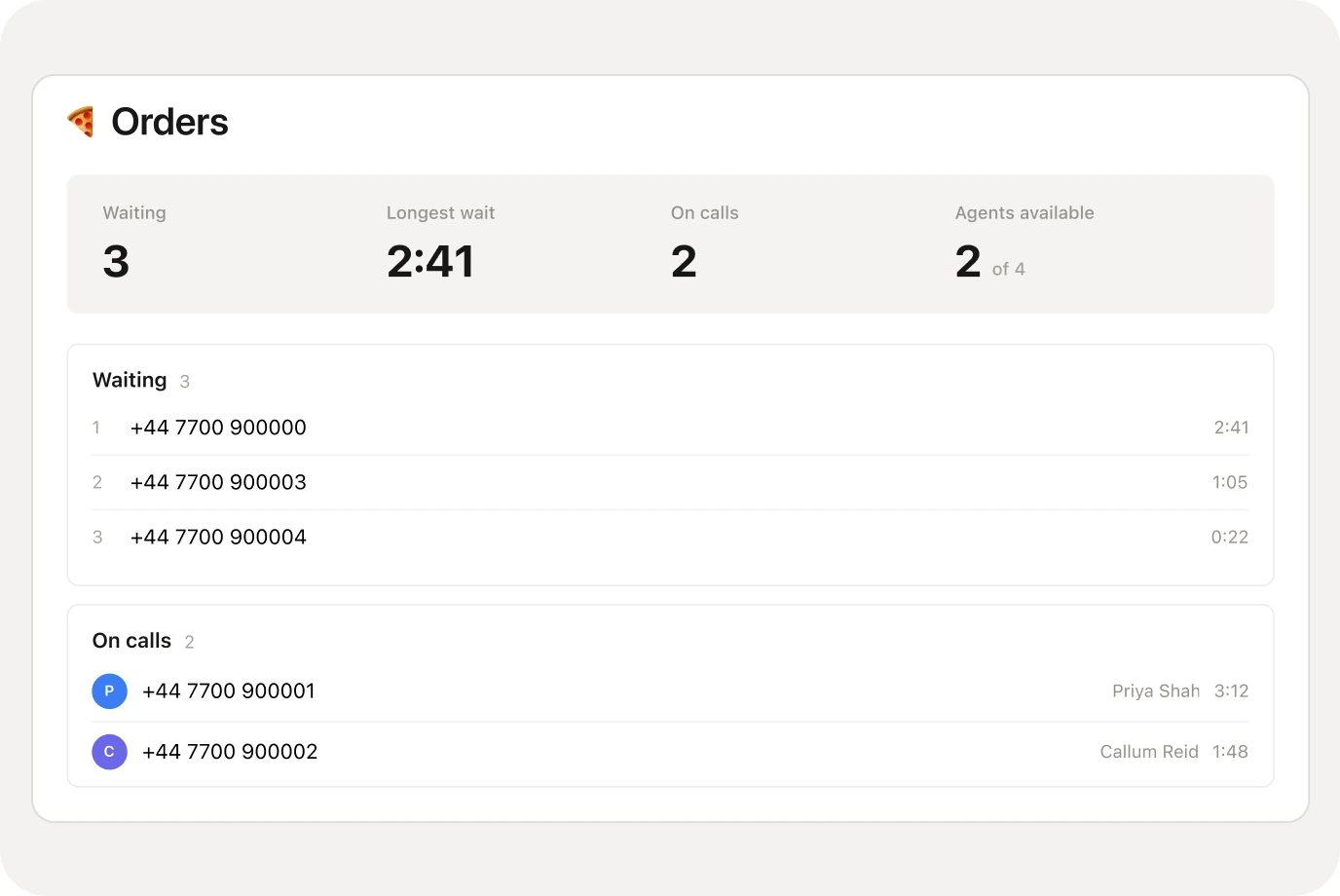
When everyone is busy, a queue holds the caller, tells them where they are, and hands them to the next teammate who is free.
Included on Business and Scale.

4 ways to share calls
Longest idle, ring all,
round robin or sequential.

Their place, spoken
“You are number 2 in line” —
in the voice you pick.

A breather between calls
Wrap-up time before
the next caller rings.

Every exit has a route
Too long, too full or nobody in —
you choose where it goes.
The same Friday rush, with and without a queue.

The line rings out after half a minute
A busy team means the caller hits voicemail
Nobody knows who has waited longest
Callbacks end up on a sticky note
Callers hold with your music, not silence
They hear their place and how long it will be
Whoever has waited longest is answered first
Too long or nobody in? It goes where you choose
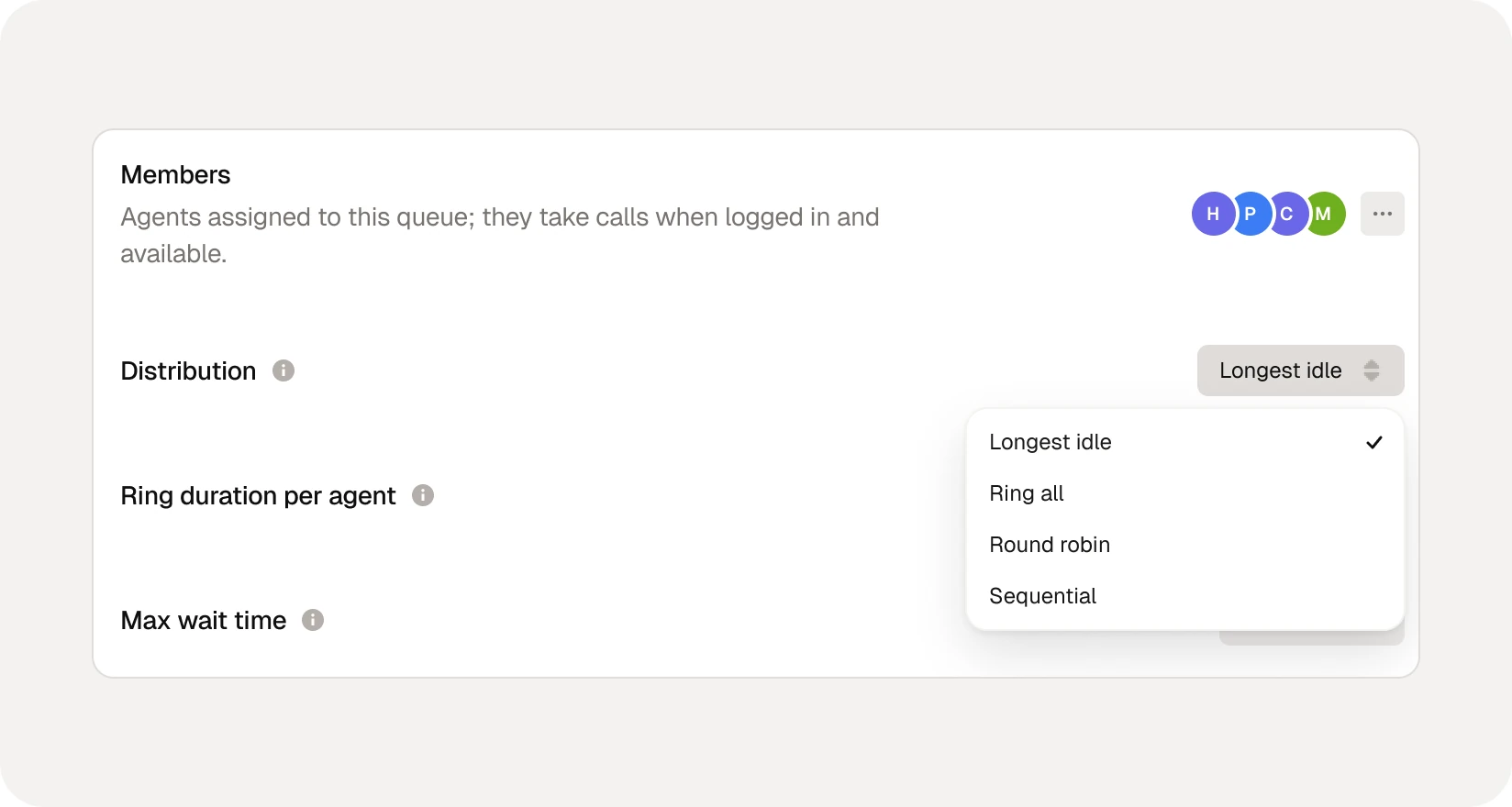
Pick how the queue hands each caller to your team. Change it any time.
The teammate who has been free the longest takes the next call.
Everyone rings at once. The first to pick up has it.
Calls take turns around the team, so nobody gets them all.
Rings your list one at a time, in the order you set.
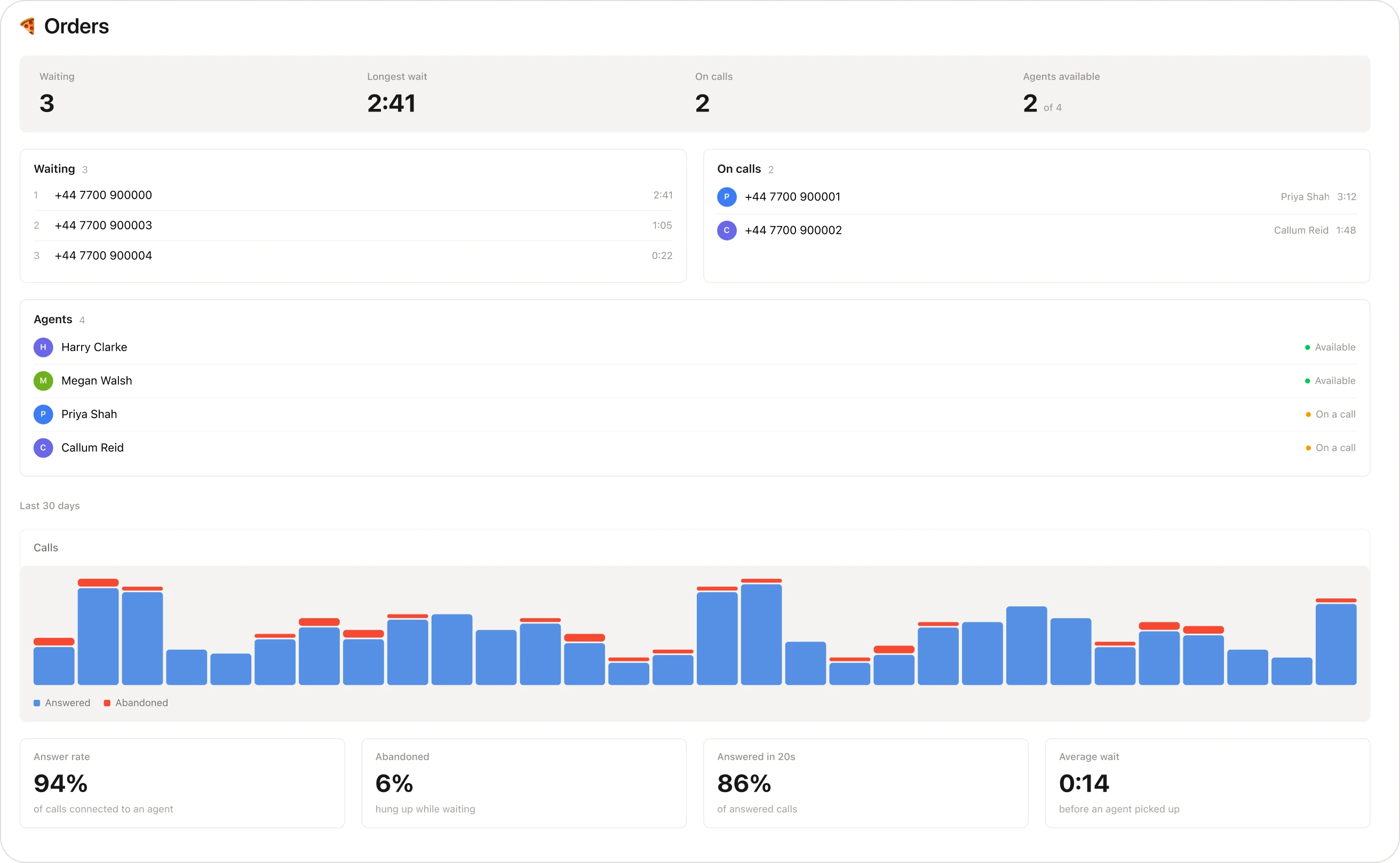
Who is waiting and who is free right now — and over the last 30 days, your answer rate, abandoned calls and average wait.
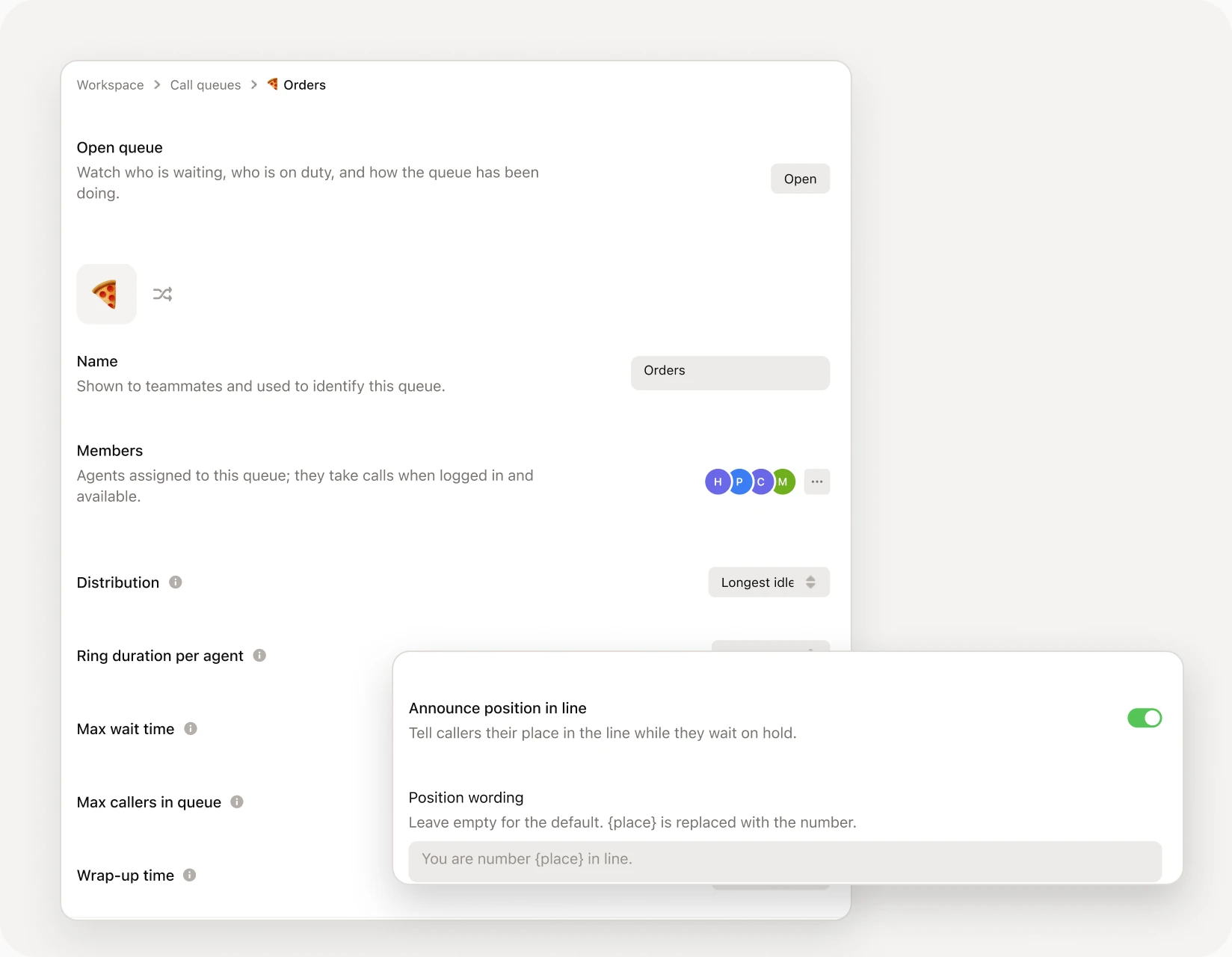
Give it a name and an emoji, and choose who is in it.
A greeting, your hold music, and place-in-line announcements in any voice.
Drop it in as a step, and choose where callers go if nobody is free.
This page is one part of it. Here is what else answers, routes and reports on your line.


Sorry we missed you. Still want the two large pepperoni?
9:41 amYes please, pickup at 7
9:42 amOne inbox for every call and text your team gets, with one thread per customer.
As many teammates as you like, and you set how many callers it holds before the next one goes elsewhere.
You choose. A caller who waits too long, finds the queue full, or calls when nobody is in goes where your call flow sends them — voicemail, another team, or the AI receptionist.
Yes. The queue can tell them their place and roughly how long the wait is, in the voice you pick, with your own wording.
Yes. Upload a track or a greeting, or pick one of ours. Callers hear it between announcements.
They log in and out from the sidebar. Anyone off duty, on another call or on do not disturb is skipped until they are free.
Business and Scale. Queues come with call flows, so a queue is one step in the flow you already have.
Queues come with Business, alongside call flows and the AI receptionist.